Tips and Inspiration
From Unilever Beauty Experts
;Resize=(486,122))

The past few years saw the rise of video calls — with everyone forced to stay and work from home. Everyone started taking advantage of technology to still be able to conduct meetings internally or meet up with potential clients without having to set foot in the office. It’s opened a lot of possibilities for connecting with just about anybody in the world, as long as you have a laptop or computer and are connected to the Internet.
If you're new to the WFH setup or if it’s your first time to get on these video conferences, here are tips you should follow to guarantee to leave a great first impression on the people on the other side of the screen.
Take a Shower (Sing While You’re at It!)
It’s never a good idea to show up in work video calls with an unkempt, just-got-out-of-bed look. It doesn’t show professionalism and it makes you look like you don’t care about your work. Even if you’re working from home, act as if you’re still heading to the office so you have time to prepare before jumping on a call.
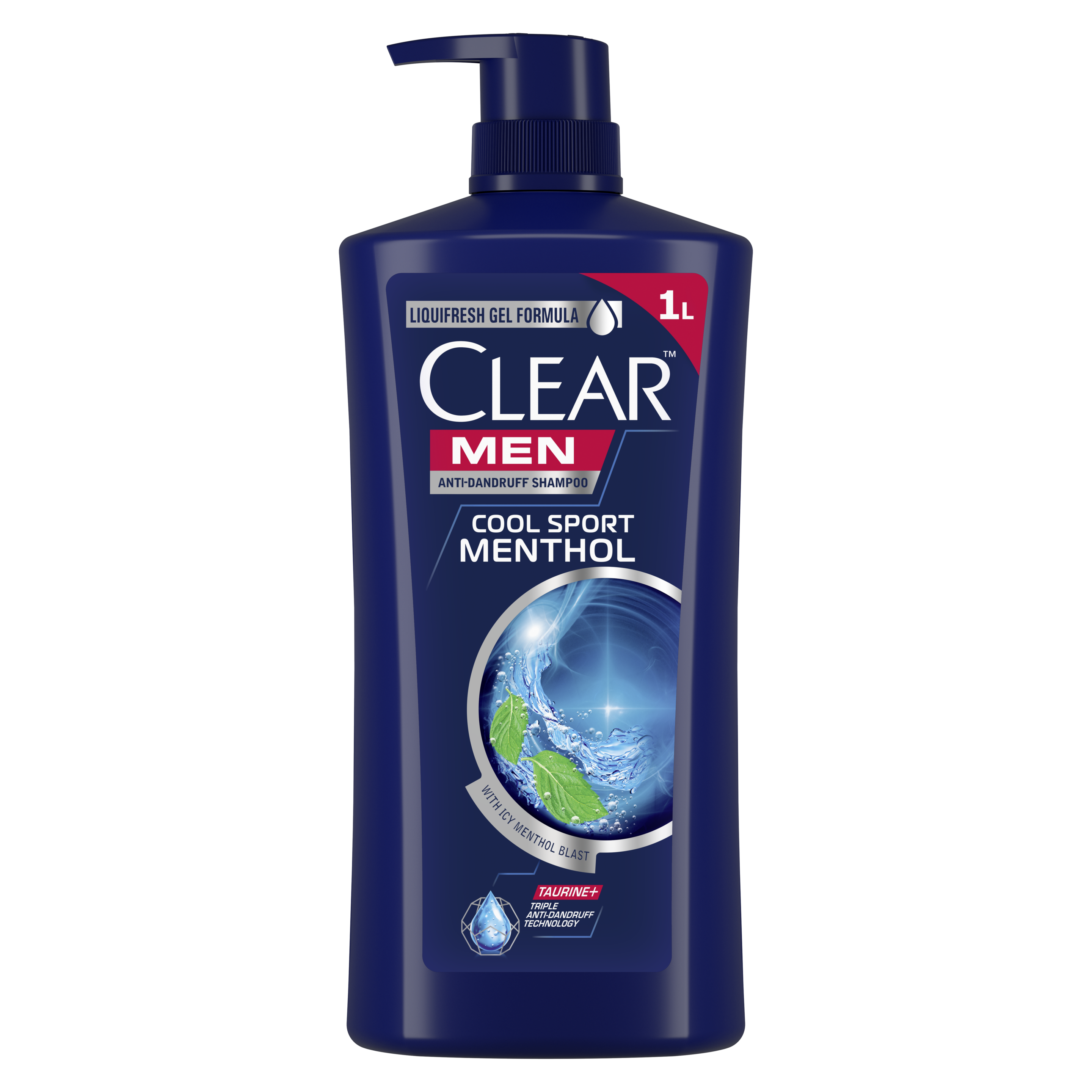
Take a shower with CLEAR Cool Sport Menthol Anti-Dandruff Shampoo for Men. Even if your colleagues can't see the dirt on your hair, you'll feel more confident knowing that your scalp and hair are taken care of. You don't have to be looking on your shoulder wondering if there are flakes. Plus, this shampoo's citrus peel content will make your head feel fresh, ready to take in and contribute ideas during your meeting.
If you woke up late, then at least wash your face with POND’S Men Energy Charge Facial Wash, which has cooling menthol and coffee bean extracts, to energize your skin and give it a healthy look. Dry your hair and style it neatly before entering the call with your video on.
Another tool to always have in your arsenal? Brush up with the best toothpaste for yellow teeth. Make sure to also brush your teeth with closeup Menthol Fresh Toothpaste to give you that extra confidence.
Product
Dress to Impress

WFH fashion involves sweatpants and shorts and while this is okay, you should switch it up when you need to jump on a video call. Change out of your favorite worn-out shirt into a more decent-looking one. Put on a dress shirt if you’re speaking to your boss or a client who holds a high position in his company.
For regular team meetings, a plain-colored shirt should do the trick. And yes, no need to change out of your sweats since the upper half of your body is what’s seen on video. Just make sure not to stand unnecessarily!
Let There Be Light
You, of course, would want to be seen in video calls, so lighting is very important. You can invest in external light, like a ring light, to illuminate your face even if the meeting happens at night. Purchase one with adjustable modes so you also don’t look like a washed-out ghost and place it at a 45-degree angle to get the right shadows on your face.
Another option is to make use of natural lighting and sit in front of a window during the call. When it gets a little too bright, then draw in the curtains a bit. Adjusting screen brightness makes a difference as well, so you can play around with your laptop settings before the scheduled call.
Adjust the Camera
It’s awkward and people might take offense if you pop in a video call at an angle where it looks like you’re looking down on them. So, position your camera so that it’s at eye level and it lets you look straight into it. It also lets you sit up straight, improving your posture and overall look during the call.
If you’re using a laptop with a built-in webcam, then adjust the position of your laptop so that it’s higher. You can place your device on top of carton boxes or books until you reach your desired height. (But make sure to secure your laptop in place!)
Comfort is Key
If you’re aware that the video call will be running for more than an hour, it pays to find a spot where you’ll be comfortable sitting for a long period of time. Add pillows to support your back, and maybe use a chair that won’t have you slouching.
Be wary of being too comfortable! You might get caught dozing off on camera if it’s too comfy where you’re seated.
Check Your Background
If you’re allowed to change backgrounds digitally, then you don’t need to worry about this step. But if not, then make sure that your background isn’t cluttered or messy. If you’re sitting at your dining room table, check to see if your kitchen looks clean. You also don’t need to showcase your messy bookshelf. If you can, find a bare wall and sit in front of it, at least during the video calls.
Drink Water

Looking good during these meetings also means sounding great, too. If you know you’ll be spending a significant chunk of time speaking, it pays to prepare your throat beforehand. Drink water and place it near you so you can grab it quickly in between speaking.
Do a Test Run
Take the time before your scheduled video call to check whether everything’s set on your end. It only takes a few minutes to see whether the lighting is good, or that your microphone is working properly. Adjust your framing and make sure that you’re clearly seen in the video.
Another thing that you should do, which may seem insignificant, is to wipe your camera so you don’t look blurred or smudgy. It seems simple, but really, how many times have you cleaned your webcam or laptop camera?
Treat work video calls like you would a regular in-person, face-to-face meeting. Make yourself look professional and presentable so that people will take you seriously. Follow these tips and share them with your co-workers, too!